 Drivers

Pilote et driver Golden Lion GM68 – 65% Hot-Swappable RGB Mechanical Keyboard (3-Pin) with VIA, USB-C & Red/Silver Switches – Black
Pilotes, logiciels et notices du Golden Lion GM68 – 65% Hot-Swappable RGB Mechanical Keyboard (3-Pin) with VIA, USB-C & Red/Silver Switches – Black, au même endroit, avec les liens officiels.
- 2 téléchargements
- Windows · macOS
- Liens vérifiés · 01/11/2026
Téléchargements
2 fichiersFichier VIA du GM68 (JSON)
Guide VIA du GM68
Fichiers hébergés par github.com, maroc4gaming.net. EspaceGamers ne modifie aucun fichier. Un lien ne marche pas ? Signalez-le
Driver Golden Lion GM68 – 65% Hot-Swappable RGB Mechanical Keyboard (3-Pin) with VIA, USB-C & Red/Silver Switches – Black : ce qu’il faut savoir
Le Golden Lion GM68 (Black) est un clavier mécanique 65% doté de switches Red ou Silver hot-swap, compatible VIA, avec éclairage Full RGB et finition noir mat.
Le driver (pilote) officiel du Golden Lion GM68 – 65% Hot-Swappable RGB Mechanical Keyboard (3-Pin) with VIA, USB-C & Red/Silver Switches – Black est Fichier VIA du GM68 (JSON), à télécharger depuis github.com, maroc4gaming.net pour Windows, macOS. La notice PDF (1 document) explique le branchement et les réglages. Le produit fonctionne dès le branchement : le logiciel sert aux réglages avancés et aux mises à jour.
Installer en 3 étapes
- Téléchargez Fichier VIA du GM68 (JSON)Bouton « Site officiel », puis choisissez votre système si la marque le demande.
- Lancez l’installationOuvrez le fichier et suivez les étapes à l’écran. Redémarrez le PC si on vous le demande.
- Branchez et réglezLe logiciel détecte le produit : éclairage, touches, DPI ou performances.
Questions fréquentes
Une autre question ? Écrivez-nous sur WhatsApp, on répond vite.
Le Golden Lion GM68 – 65% Hot-Swappable RGB Mechanical Keyboard (3-Pin) with VIA, USB-C & Red/Silver Switches – Black fonctionne-t-il sans logiciel ?
Oui pour l’usage de base : branchez-le et il marche. Fichier VIA du GM68 (JSON) sert à régler les options (éclairage, touches, DPI, performances) et à faire les mises à jour.
Où télécharger le driver (pilote) du Golden Lion GM68 – 65% Hot-Swappable RGB Mechanical Keyboard (3-Pin) with VIA, USB-C & Red/Silver Switches – Black ?
Sur cette page : chaque bouton mène au fichier ou à la page officielle de M4G. Les liens sont vérifiés par EspaceGamers.
Le logiciel ne détecte pas mon produit, que faire ?
Branchez-le directement sur le PC (sans hub USB), redémarrez, puis relancez le logiciel. Si le souci reste, écrivez-nous sur WhatsApp avec la référence du produit.
Autres pilotes M4G
Tout voir →
M4G GM68-V2 Grey & White RGB

Golden Lion GI68 – 65% Hot-Swappable RGB Mechanical Keyboard with USB-C & Red Outemu Switches (Black, Compact Layout)
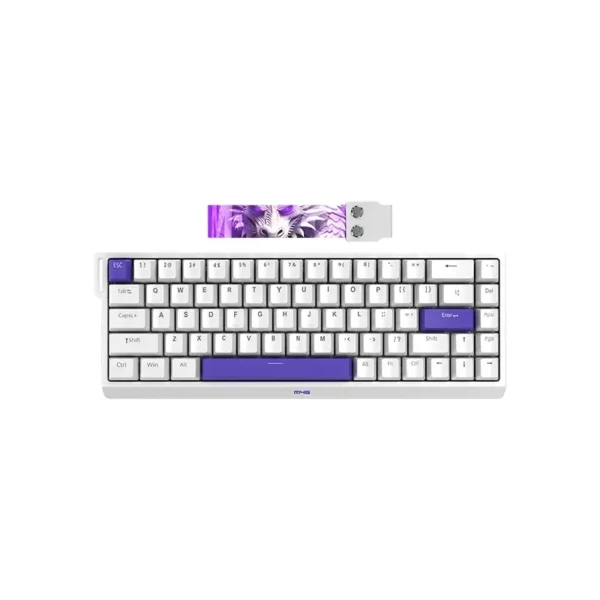
M4G MAG 68HE PURPLE DRAGON HALL EFFECT

Golden Lion GM87 TKL – Hot-Swappable RGB Mechanical Keyboard with USB-C VIA & Red/Silver Switches
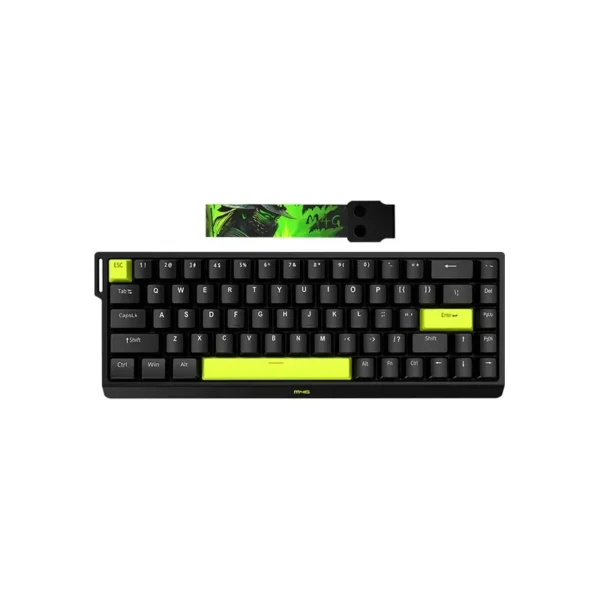
MAG-68HE Green Samurai Hall Effect Keyboard
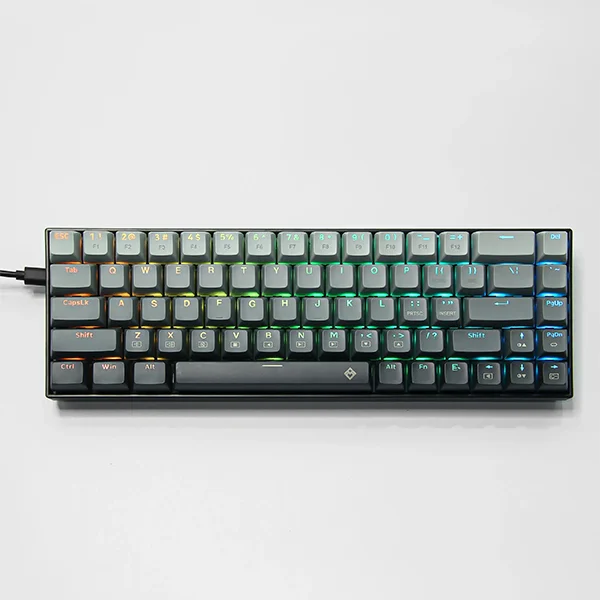
M4G MA68
Pilote introuvable ?
Envoyez-nous la référence de votre produit : notre équipe à Agadir vous répond avec le bon lien.
Demander sur WhatsApp