 Drivers

Pilote et driver MSI GeForce RTX 5060 Ti 8Go GDDR7 VENTUS 2X OC PLUS
Pilotes, logiciels et notices du MSI GeForce RTX 5060 Ti 8Go GDDR7 VENTUS 2X OC PLUS, au même endroit, avec les liens officiels.
- 4 téléchargements
- Windows · Linux · Windows 11 / Windows 10
- Liens vérifiés · 28/11/2026
Téléchargements
4 fichiersNVIDIA App
Pilotes GeForce (NVIDIA)
MSI Center
MSI Afterburner
Fichiers hébergés par nvidia.com, download.msi.com. EspaceGamers ne modifie aucun fichier. Un lien ne marche pas ? Signalez-le
Installer NVIDIA App, MSI Center, MSI Afterburner en un clicAvec l’installateur EspaceGamers : version officielle, sans clics, avec vos autres logiciels si vous voulez.Trouver le pilote de ma carte graphique
Choisissez votre carte NVIDIA GeForce ou AMD Radeon : on vous donne le dernier pilote officiel, directement chez la marque.
Le pilote AMD Software : Adrenalin Edition s’ouvre sur la page officielle de votre carte. Vous pouvez aussi utiliser la détection automatique d’AMD.
Pour les cartes Intel Arc et les graphiques Intel, l’assistant Intel détecte votre matériel et propose les derniers pilotes.
Intel Driver & Support AssistantDriver MSI GeForce RTX 5060 Ti 8Go GDDR7 VENTUS 2X OC PLUS : ce qu’il faut savoir
La MSI GeForce RTX 5060 Ti 8Go GDDR7 VENTUS 2X OC PLUS associe 8 Go de GDDR7 à un vrai refroidissement double ventilateur STORMFORCE, conçue pour un jeu fiable en 1440p dans un design neutre et sobre.
Le driver (pilote) officiel du MSI GeForce RTX 5060 Ti 8Go GDDR7 VENTUS 2X OC PLUS est NVIDIA App, Pilotes GeForce (NVIDIA), MSI Center, à télécharger depuis nvidia.com, download.msi.com pour Windows, Linux, Windows 11 / Windows 10, Windows 11. Le produit fonctionne dès le branchement : le logiciel sert aux réglages avancés et aux mises à jour.
Installer en 3 étapes
- Téléchargez NVIDIA AppBouton « Site officiel », puis choisissez votre système si la marque le demande.
- Lancez l’installationOuvrez le fichier et suivez les étapes à l’écran. Redémarrez le PC si on vous le demande.
- Branchez et réglezLe logiciel détecte le produit : éclairage, touches, DPI ou performances.
Questions fréquentes
Une autre question ? Écrivez-nous sur WhatsApp, on répond vite.
Le MSI GeForce RTX 5060 Ti 8Go GDDR7 VENTUS 2X OC PLUS fonctionne-t-il sans logiciel ?
Oui pour l’usage de base : branchez-le et il marche. NVIDIA App sert à régler les options (éclairage, touches, DPI, performances) et à faire les mises à jour.
Où télécharger le driver (pilote) du MSI GeForce RTX 5060 Ti 8Go GDDR7 VENTUS 2X OC PLUS ?
Sur cette page : chaque bouton mène au fichier ou à la page officielle de MSI. Les liens sont vérifiés par EspaceGamers.
Le logiciel ne détecte pas mon produit, que faire ?
Branchez-le directement sur le PC (sans hub USB), redémarrez, puis relancez le logiciel. Si le souci reste, écrivez-nous sur WhatsApp avec la référence du produit.
Autres pilotes MSI
Tout voir →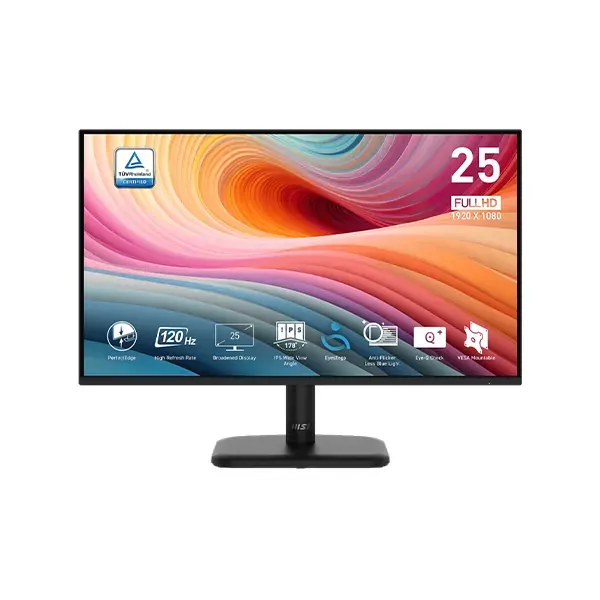
MSI PRO MP251L E2 24.5″ 120Hz IPS
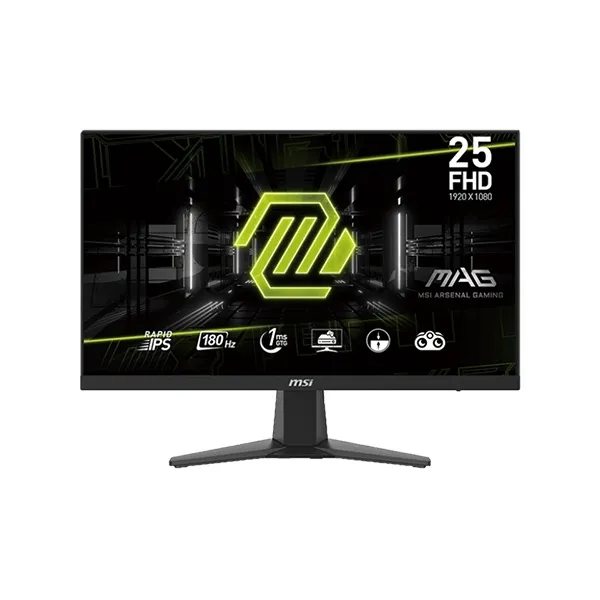
MSI MAG 256F 24.5″ Rapid IPS 180Hz
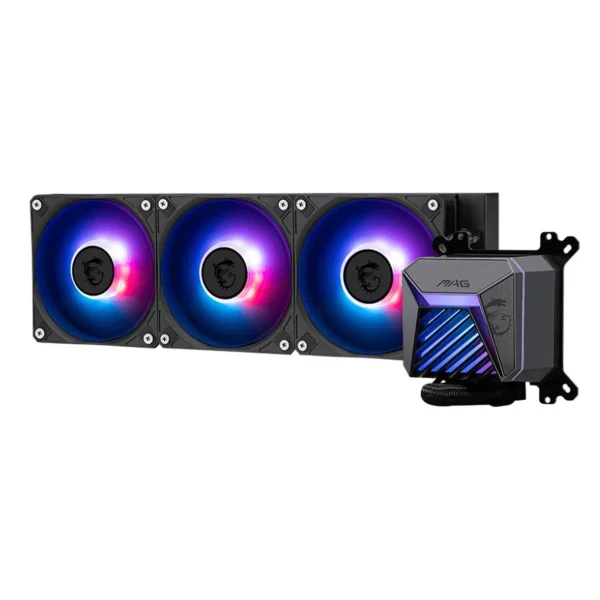
MSI MAG CORELIQUID A15 360 BLACK

MSI B550M PRO-VDH WIFI
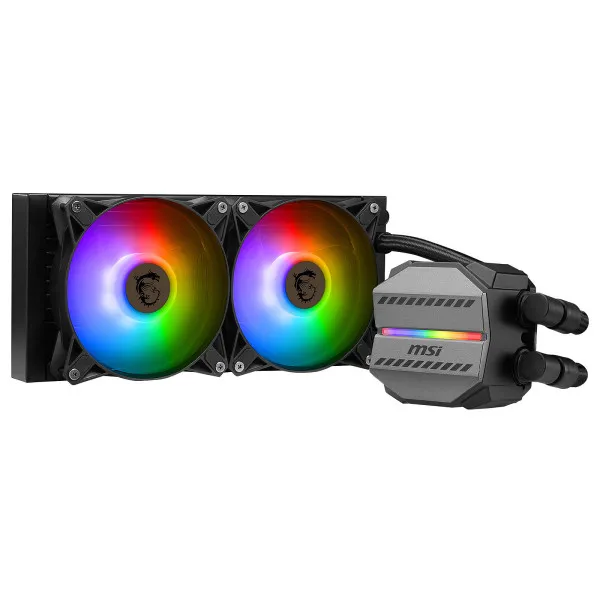
MSI MAG CORELIQUID M240
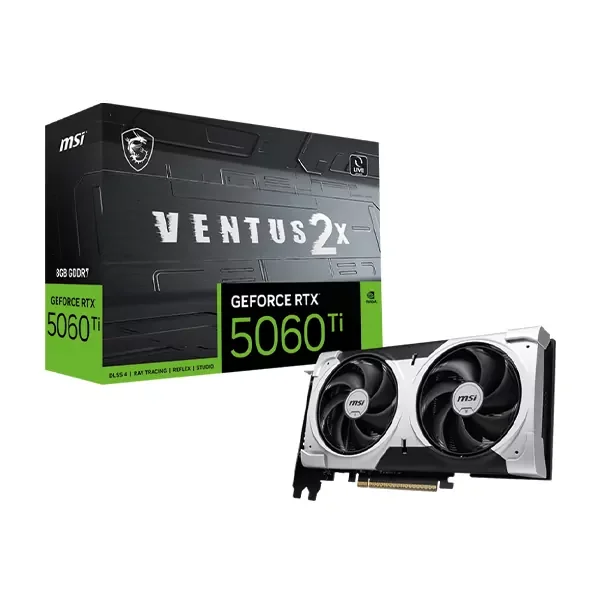
MSI GeForce RTX 5060 Ti 8G VENTUS 2X PLUS
Pilote introuvable ?
Envoyez-nous la référence de votre produit : notre équipe à Agadir vous répond avec le bon lien.
Demander sur WhatsApp